
Stock Visibility in Field Sales: How Reps See Live Inventory
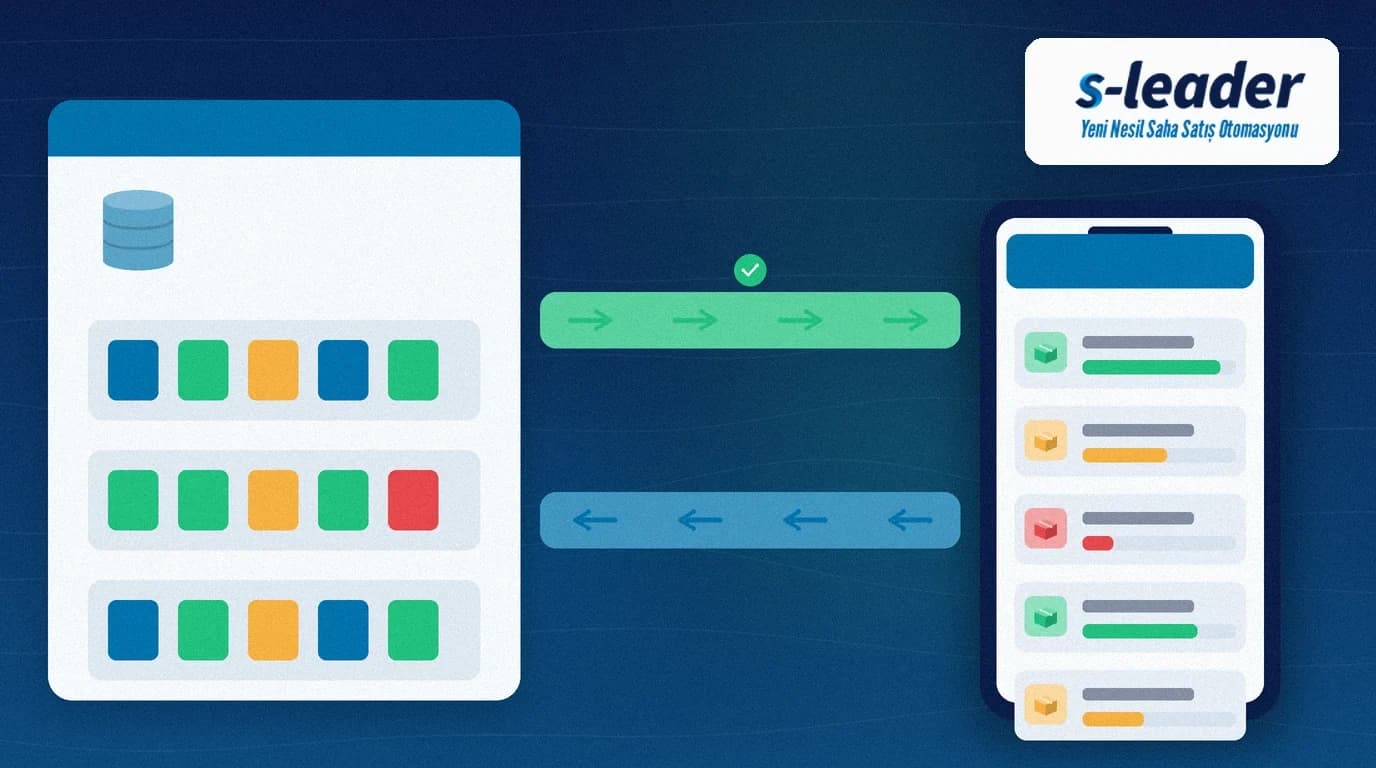
In short: Stock visibility in field sales means the rep sees warehouse stock, van stock and quantities reserved by other orders live on the mobile app during the visit, and opens the order against sellable quantity. Without it, reps order “as if it were there”; the warehouse cannot fulfil, delivery slips and trust erodes.
In distribution the real break is the information gap between field and warehouse. Even if central stock is correct, decisions fall back to paper, phone calls and guesswork when the rep cannot see it on the visit. The result is overselling, short shipments and evening correction traffic.
Quick summary
- The rep sees sellable stock (warehouse − reserved − committed on van) on the product card at a glance.
- Stock syncs from ERP or WMS to the field app on a schedule; offline, the last known stock and a warning are shown.
- At order time, insufficient stock triggers a warning or a hard block.
- Van stock and warehouse stock stay on separate lines so hot-selling does not mix them.
- Management reports which SKUs most often hit “out of stock” in the field.
What is stock visibility in field sales?
Visibility is not just pushing “how many in the warehouse” to the phone. It is showing the sellable quantity the rep may order: physical stock, amounts reserved by other reps, goods in transit and any quality holds. If that split is unclear, the number on screen misleads.
Good visibility separates three layers: central warehouse, transfer/van, and reserved commitments. When the rep picks a product, those layers are summarised; a location breakdown opens when needed.
Why it matters
Wrong sales and cancellations
Orders taken without stock visibility break at shipment. The customer sees an empty shelf; the rep spends the day on apology calls. Repeated “outs” hurt both revenue and the brand.
Field–warehouse arguments
Warehouse says “we had stock”; field says “I never saw it”. A shared, time-stamped stock view ends that debate; the balance shown at each moment is logged.
Van vs warehouse confusion
In hot-selling, mixing van load with warehouse stock causes over- or under-loading. Visibility keeps the two stocks on separate rows.
How live stock works
1. Sync from the source system
Stock flows from an ERP such as Logo/Mikro or a WMS into the field app on a schedule (or on events). Acceptable lag (e.g. 5–15 minutes) is a business rule.
2. Sellable quantity
The screen shows sellable quantity, not raw stock: physical − open reservations − in transit − quality blocks. The rep does not order stock that looks available but cannot be shipped.
3. Check at order time
When a line is entered above sellable balance, a warning or hard block applies. Approved oversell (manager permission) is a separate flow if needed.
4. Offline behaviour
In weak coverage the last sync time and a “stock may be stale” warning appear. Critical SKUs can limit offline ordering.
Setup checklist
- Are the warehouses and vans exposed to the field screen agreed?
- Are reservation duration and cancel rules defined?
- Are sync frequency and lag warnings accepted?
- Is insufficient stock a warning or a block by rule?
- Does training explain sellable vs physical stock?
Stock visibility with S-Leader
S-Leader shows live stock on product and order screens and brings warehouse balances to the field through ERP integration. Reps order the right quantity on the visit; the warehouse avoids surprise loads.
Stock visibility in field sales turns “sell more” pressure into “sell correctly”. When the stock figure is trusted in the field, both customer satisfaction and warehouse efficiency rise.
At ÇAP Teknoloji we set up end-to-end stock visibility for field teams with S-Leader. Get in touch for a demo or discovery call.
Sıkça Sorulan Sorular
Is stock visibility the same as stock reservation?
No. Visibility is seeing the balance; reservation locks stock for an order so others cannot take it. Together they reduce stock that looks available but cannot be sold.
How often should stock refresh?
For most distribution work a 5–15 minute sync is enough. Fast-moving SKUs may need event-driven updates or a live check at order time.
What is shown offline?
The last known sellable stock and sync time, plus a staleness warning. Critical products can cap offline order quantity.
Why keep van stock separate?
In hot-selling the van load is already in the field; merging it with warehouse stock double-counts or triggers unnecessary warehouse picks. Separate rows prevent that mix-up.