
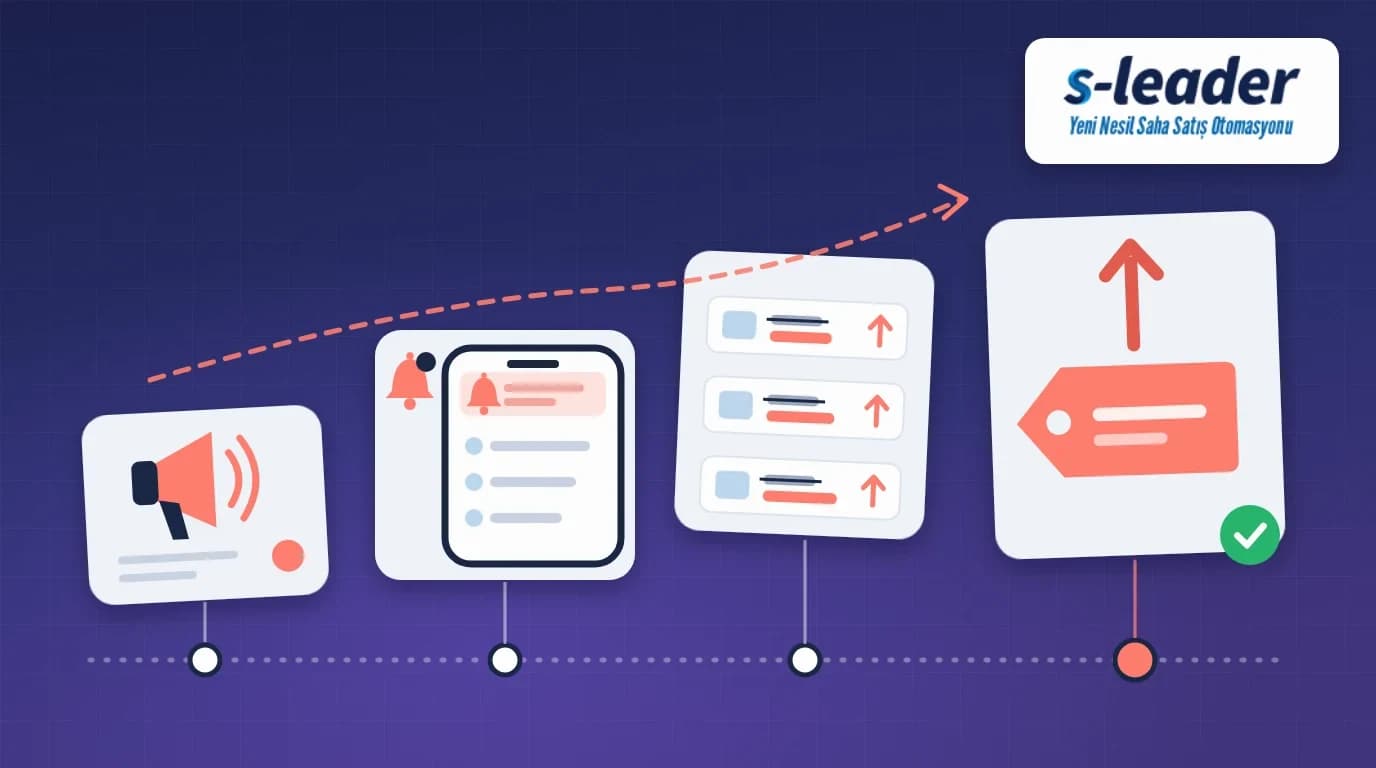
In short: A price increase period is the time between the day a company announces a new price list and the day that list applies to orders. During this period the sales rep's job is not to give customers guesses but to get the transition rules straight, tell customers early, say clearly which price pending orders will be invoiced at, and take the first orders at the new prices without errors.
On Monday morning a notice arrives on the rep's phone: a new price list applies from the fifteenth of the month. In every shop that day the same questions come up: "How much is it going up?", "If I order today, do I get the old price?", "What about the order I placed last week?" If the rep answers from guesswork, disputes start on delivery and invoice day. This article explains what a price increase period is and how field sales reps can handle it step by step.
What is a price increase period in field sales?
A price increase period is the time from the decision to raise prices for a product group or the whole range until the new prices are applied in the field and on invoices. During this time two price lists are discussed at once: the old one that still applies and the new one that soon will. Most of the confusion comes from the switch between them.
Sales management and finance decide on the increase and the transition rules. The rep is the face of that decision for the customer, who usually hears about it first from the rep. That is why reps need to know the rules clearly and explain them in the same words.
Why does a price increase cause confusion in the field?
Most problems come not from the increase itself but from a transition left unclear. The most common causes in the field are:
- Unclear effective date: nobody has said whether the new price follows the order date, the shipping date or the invoice date.
- Pending orders: it is unclear which price applies to orders taken before the announcement but not yet shipped.
- Personal promises: reps make unauthorised promises such as "we'll give you the old price".
- Stockpiling requests: customers want to order far more than usual to lock in the old price.
- Running promotions: nobody has said whether current promotions and discounts continue with the new list.
Handling a price increase in 6 steps
1. Get the transition rules straight
Before visiting customers, get written answers from your manager: from which date and for which products does the new price apply? Which price do pending orders get? What happens to current promotions? Our field team communication article covers how such announcements should reach the team.
2. Inform customers early and with one message
Do not let customers discover the increase on the invoice. At every visit before the effective date, say when the new prices start and which product groups are affected. When every rep gives the same information in the same way, customers do not feel that others were told something different.
3. Check the customer's products before the visit
Before the visit, look at which of the products the customer buys regularly are affected. You can then talk about the customer's own products rather than a general price rise. For the full morning routine, see our pre-visit preparation guide.
4. Talk openly about pending orders
Tell the customer clearly which price orders taken before the announcement will be invoiced at. If the rule is "old price", also say up to which shipping date it applies. Every order left unclear can turn into a dispute on invoice day.
5. Send unusually large orders for approval
If a customer wants to order far more than usual to stock up at the old price, do not accept it on your own. The company may have set a cap; pass the order with a reason to the authorised person. Our order approval workflow article explains how such exceptions are handled.
6. Check the first orders at the new prices
When the effective date arrives, review prices and discounts with the customer on the first orders. If promotions changed with the new list, say so. Our promotion and discount management article covers how the right price is applied at the moment of ordering.
Common mistakes
Letting the invoice break the news: a customer who first sees the new price on the invoice reacts more to being kept in the dark than to the increase.
Promising prices without authority: saying "we'll keep the old price for you" causes trouble with both the customer and the company when head office does not approve it.
Not discussing pending orders: not saying which price an order placed before the announcement will carry leads to arguments on invoice day.
Every rep telling a different story: if customers in the same area hear different dates and rules, trust suffers.
Cutting the visit short: delivering the news and leaving, instead of still talking about the customer's sales and shelf, weakens the relationship.
How S-Leader supports the field team
The company decides on the increase and the transition rules; S-Leader has no separate price increase module, but the S-Leader field sales app supports the field steps of this period. Sales pricing and promotions are managed from a single system, and current promotions are shown to reps in advance while they take orders. Push notifications deliver a price announcement to the whole team at once, even when the app is closed. Reps see the customer's past orders and sales in the field instantly, so they can discuss affected products customer by customer. Approved orders are posted to Logo or Mikro ERP.
Summary
A price increase is not just an announcement in the field but a transition to manage: get the rules straight, inform customers early and consistently, talk about their own products, settle pending orders openly, send unusual orders for approval and check the first orders at the new prices. Contact us to see how S-Leader gives your field team current price and promotion information on the road.
Sıkça Sorulan Sorular
How far in advance should customers be told about a price increase?
There is no fixed period; it depends on the company's commercial policy and agreements with customers. What matters is that customers hear it from the rep at a visit before the effective date, not on the invoice.
Which price applies to an order taken before the announcement?
That depends on the company's transition rule. Some use the order date, others the shipping or invoice date. The rep should get the rule from their manager and pass it on the same way.
Can a sales rep sell to a customer at the old price?
Usually not on their own. Extending the old price is a pricing exception and needs approval from the person the company has authorised.
Is it a problem if customers stock up before the increase?
Not always, but orders far above normal can strain shipping, stock and the customer's balance. Sending such orders for approval with a reason is the safest route.