
Logo ERP Integration: Syncing Field Orders and Stock
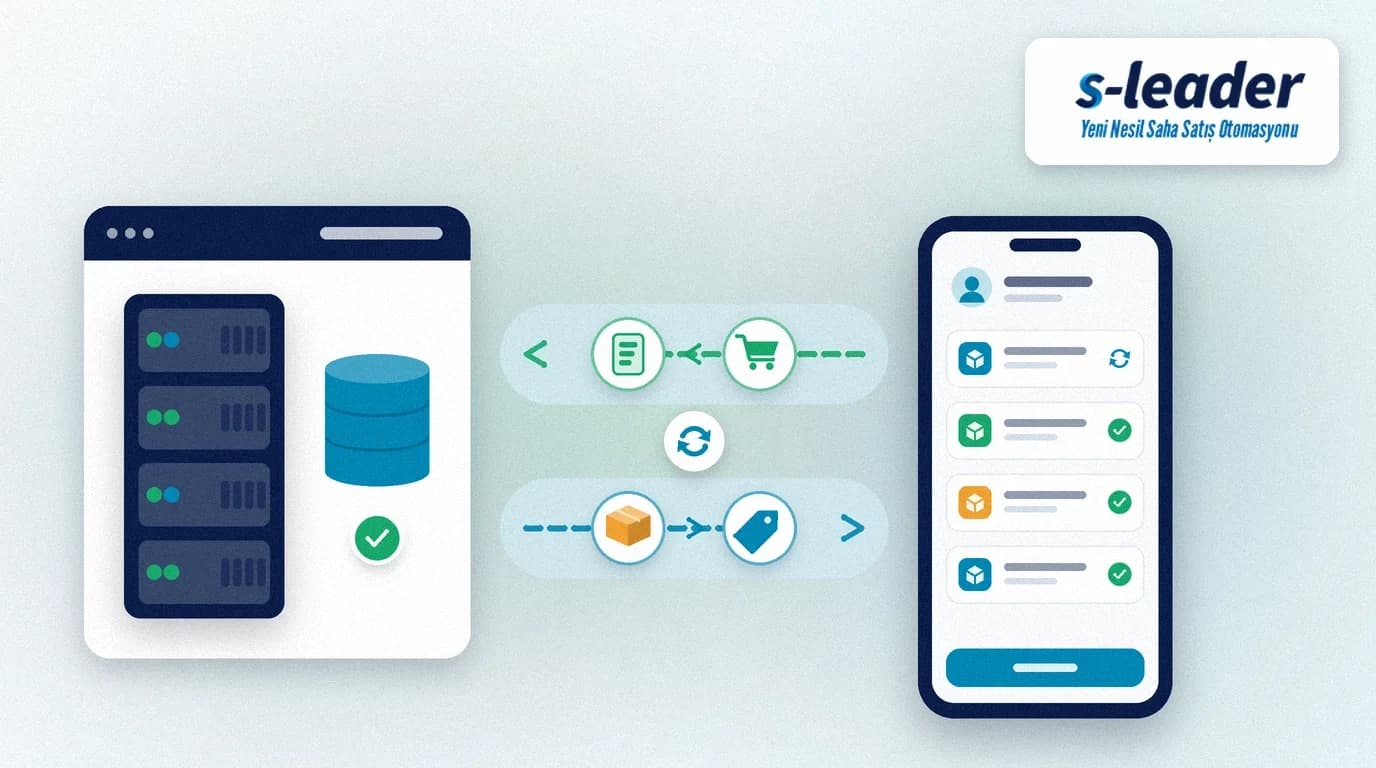
In short: Logo ERP integration posts approved field orders into Logo as vouchers and brings stock, prices and account balances back to the mobile device. The goal is not a second round of data entry in the office, but one set of numbers for accounting and the field.
Logo is one of the widely used domestic ERP suites in Turkey. Still, many field sales apps either never talk to Logo or settle for a one-way end-of-day dump. Here we explain what Logo ERP integration does, how to set up field order and stock sync, and what to check in a project. For general product compatibility see our earlier article on sales automation software compatible with Logo; this piece focuses on the order–stock sync that keeps the business consistent.
Quick summary
- Logo ERP integration should be bidirectional: stock, prices and accounts from Logo to the device; approved orders and collections from the device to Logo.
- Late order posting creates wrong stock promises, incomplete shipments and month-end reconciliation noise.
- In van sales, stock moves with the document; in pre-sales, timely posting to Logo drives the delivery plan.
- Without data cleanup, credit limits and a pilot region, "connected" does not mean ready.
What Is Logo ERP Integration?
Logo ERP integration is the controlled exchange of orders, stock, price lists, account balances and collections between a field sales app and Logo. The point is not merely to "plug in"; it is that the stock and balance the rep sees at the customer match Logo, and that an approved order becomes a Logo voucher without being retyped in the office. In distributor and dealer networks, stock accuracy is as much part of the visit as the order, so integration should sit in the same system as routes and collections.
The Cost of Working Without Integration
When the field app is cut off from Logo, the picture in most SMEs looks similar:
- Selling on stale stock: The rep takes an order on outdated quantities; unavailable products get promised.
- Double entry: The office retypes the same order into Logo; amounts, discounts or accounts drift.
- Missing prices and campaigns: Without the customer-specific list on the device, manual discount errors start.
- Late account updates: Collections or open balances arrive late; the next visit talks about the wrong figure.
- Month-end mismatch: Field reports and Logo stock/account reconciliation stretch over days.
None of these costs show as a line on an invoice; they appear as lost time, failed deliveries and eroded trust.
Which Data Flows Which Way?
A healthy Logo ERP integration is bidirectional.
From Logo ERP to the mobile device
Account balances, past order and sales summaries, product cards, stock quantities, price lists and campaign definitions. The rep sees them during the visit; stock promises and price talks follow that view.
From the mobile device to Logo ERP
Orders created and approved in the field, plus collection records. In S-Leader, approved orders and collections post into Logo as records; a second voucher in the office is unnecessary. We cover the collection side in field sales collection tracking.
Why Order and Stock Sync Belong Together
Until the order reaches Logo, no stock reservation or delivery plan forms. Until stock refreshes on the device, the rep cannot promise what is really available. The two flows feed each other:
- Approved order → Logo voucher → stock movement / delivery order
- Logo stock and prices → mobile view → correct promise and discount
- Return or cancel → consistent correction on both sides
In van (hot) sales the product is handed over with the order; stock moves with the document, so delay-free sync affects stock accuracy directly. In pre-sales (cold) the order is taken and delivery comes later; timely posting to Logo sets the shipment plan. S-Leader supports both models, so different sales styles can run in one organisation on one system.
What to Watch in the Project
- Clean data first. Duplicate accounts, unused product cards and stale price lists must be fixed before go-live.
- Define credit and discount limits early. Who may sell which price to which customer belongs in the first project phase.
- Start with a pilot region. Rolling out the whole field at once raises risk.
- On approval, not only at day end. An evening batch hurts van sales stock accuracy.
- Train the users. If the field does not adopt the app, even a perfect integration falls back to paper.
For broader software selection see our 10 criteria for choosing field sales automation. Teams on Mikro can follow field sales automation integration with Mikro ERP; the logic is the same, with vouchers and cards shaped for Logo.
Logo ERP Integration with S-Leader
S-Leader is a mobile field sales automation system that integrates with Logo ERP. Approved field orders and collections post into Logo as records; the field team sees account balance, stock, prices and past orders on the device. BackOffice is watched on the web; the system can run on your own servers or in the cloud. Accounting and the field then share the same numbers.
If you want to see how order–stock sync could be simplified in your Logo-based distribution or dealer network, you can request a free demo.
Sıkça Sorulan Sorular
What does Logo ERP integration do?
It posts field orders and collections into Logo as vouchers and brings stock, prices and account balances to the mobile device, cutting the need for a second round of office entry.
Why treat order and stock sync together?
Without the order in Logo there is no delivery or stock reservation; without fresh stock on the device the rep cannot promise accurately. The two flows feed each other.
Is one-way integration enough?
No. Orders alone leave stock and prices stale in the field. A healthy setup is bidirectional.
How do van sales and pre-sales differ?
In van sales stock moves with the document; in pre-sales timely posting to Logo drives the delivery plan. S-Leader supports both.
What if we use Logo instead of Mikro?
S-Leader integrates with both ERPs. The flow logic is the same; vouchers and cards are configured for your Logo product.
How does S-Leader integrate with Logo?
Approved orders and collections post into Logo; stock, prices and balances appear on the device. Projects should start with data cleanup, limits and a pilot region.