
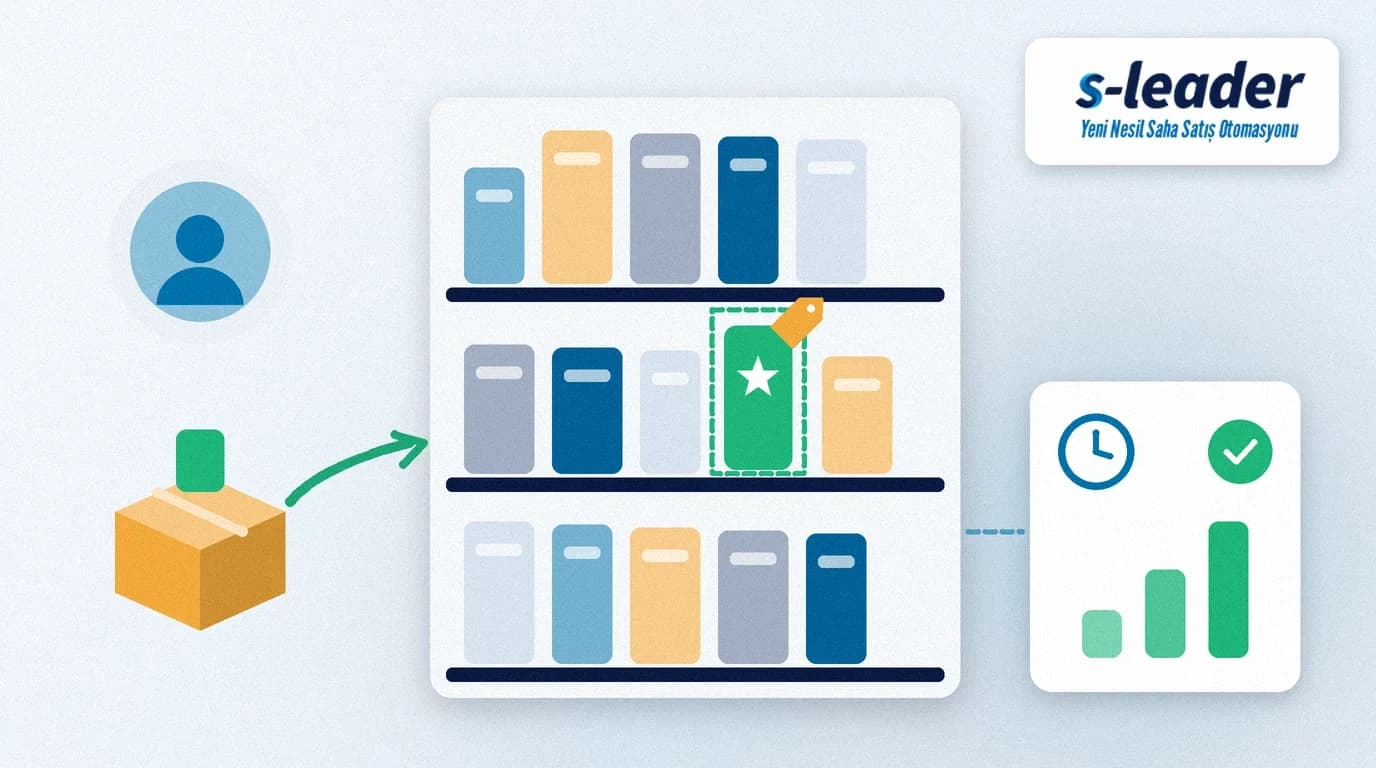
In short: New product listing means getting a product into a store's range and onto its shelf. In the field, the rep does this work: they prepare the product and the sales argument, choose stores that fit the product, explain to the store owner what the product will bring them, start with a small first order, place it on the shelf themselves and check sales on follow-up visits.
Shelf space is limited. When a new product goes on the shelf, another product usually loses space. That is why store owners are cautious with new products, and their first question is nearly always the same: "Will it sell?" The rep's job is to answer that question with preparation, not guesswork.
What is new product listing?
New product listing is the process of adding a manufacturer's or distributor's new product to a point of sale's range, setting it up in the system and keeping it permanently available on the shelf. It is not a one-off sale but the product staying on sale in that store.
In retail chains the listing decision is often made at head office, and the rep follows placement and availability in the branch. In independent grocers, kiosks and local supermarkets the owner usually decides, so listing success depends directly on the rep's work in the field.
Preparing before the listing
Product record and barcode
Before it reaches the field, the product must be fully set up in the ERP and the field sales app: item code, units, case size, price and barcode. A product that will not scan at the store's checkout does not sell, even if it sits on the shelf. The GTIN numbers used in product barcodes are managed globally under GS1 standards; check the barcode data with your product manager.
Sales argument
The rep should be able to explain the product in three sentences: who is it for, how is it different from existing products and why does it make sense for this store? What matters to the store owner is less the product's features than whether it will turn on the shelf and what it will earn them.
Promotion and samples
If there is a launch discount, a buy-one-get-one offer or tasting samples, the terms should be clear before the first visit. How promotions are applied in the field is covered in our article on promotion and discount management.
Choosing target stores
Instead of offering the new product to every store in the territory at once, it is more efficient to start with the outlets that fit it best.
Customer profile: Is the product's target consumer a customer of that store? A premium product and a budget product do not get the same interest in the same shops.
Performance of similar products: If your products sell well in the same category, the owner will be more open to the new one. Past orders are the most reliable data here.
Relationship and payment record: Customers you work with regularly and who pay on time are a good starting point for first listings. Results in these stores also become a reference for your pitch elsewhere.
Make the target list part of your pre-visit preparation. How to prepare is covered in our article on pre-visit preparation.
Pitching the store owner
Keep the pitch short and speak from the store owner's point of view. Show the product and, if possible, let them hold it. Suggest where on the shelf it should go and which products it should sit next to. State the launch promotion and the terms for the store clearly.
Write down objections. Answers such as "there's no shelf space", "my customers don't ask for this" or "a similar product didn't sell last time" are valuable for the product and sales teams. Recording them in the visit report strengthens the next pitch; what to record on each visit is covered in our article on the field visit report.
First order and shelf placement
Start small
Keep the first order small to reduce the owner's risk. A case left on the shelf makes the owner wary of your next new product too. If the product sells, the order will grow anyway.
Arrange the shelf yourself
Do not drop the product in the stockroom and leave. If possible, put it on the shelf yourself, check that the price label is correct and that the product sits in a visible spot close to eye level. If there is a shelf label or small point-of-sale material, place it on that visit. How to track shelf standards is covered in our article on merchandising tracking.
Follow-up visits
The real test of a listing starts after the first order. On later visits, check:
Is the product on the shelf? It may still be in the stockroom or may have been taken off the shelf.
How is it selling? Compare shelf and stockroom quantities with the first order and discuss a reorder.
What do shoppers say? Ask the owner how customers have reacted and note it.
For the area manager, the key question is in how many target stores the new product is on the shelf and whether it is being reordered. Tracking this regularly per rep shows early which territories need support.
Common mistakes
Going to the field with an incomplete product record: A product with a wrong barcode or price loses trust on the first visit.
Pushing a large first order: Revenue rises in the short term, but stock left on the shelf makes the owner resist the next listing.
Not checking the shelf: A product waiting in the stockroom does not sell; the listing exists only on paper.
Dropping the follow-up: Forgetting the product after the first order is the most common way listings are lost.
Supporting new product listing with S-Leader
In the S-Leader field sales app, promotions are shown to the rep at the time of the order, and orders can be entered quickly by scanning barcodes. In the field, the rep sees the customer's account balance and past orders, which makes choosing target stores easier. Daily visit routes are generated automatically and route compliance is reported. Launch announcements can reach the team as push notifications, and the report designer lets you follow orders for the new product at the level of detail you need. S-Leader integrates with Logo and Mikro ERP. At ÇAP Teknoloji, we plan your field process for product launches together with your team. For a free demo, get in touch.
Summary
New product listing starts with preparation: the product record and barcode must be correct, the sales argument clear and the promotion terms set. Choose stores that fit the product, pitch from the owner's point of view, start with a small first order, arrange the shelf yourself and keep up the follow-up visits.
Sıkça Sorulan Sorular
Why is new product listing difficult?
Shelf space is limited, and a new product usually takes another product's place. The store owner therefore wants to be sure it will sell; the rep's preparation and follow-up visits build that confidence.
Which stores should get the new product first?
Start with stores that match the product's customer profile, where your products sell well in the same category and where you have a regular relationship. Results there become a reference for other pitches.
How big should the first order be?
Small enough to reduce the owner's risk. Stock left on the shelf makes later listings harder; if the product sells, the order will grow on follow-up visits anyway.
How do you know a listing has worked?
If the product is on the shelf on follow-up visits, is selling and is being reordered, the listing has worked. Per territory, track in how many stores the new product is on the shelf and how often it is reordered.