
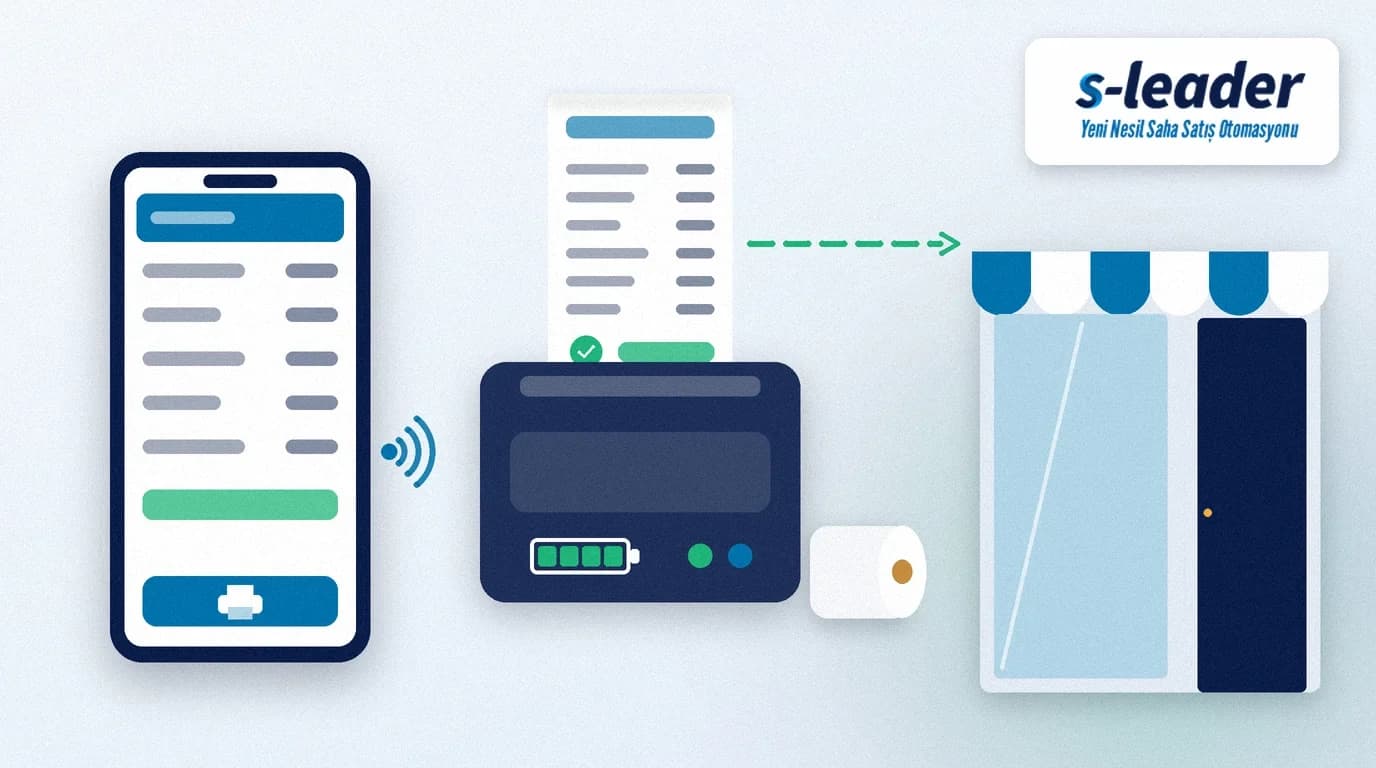
In short: Mobile invoice printing means the rep sends the invoice from a mobile device to a Bluetooth printer at the moment of sale or delivery and hands the customer a printed copy. For a reliable setup, choose the printer for your paper format and a full day of use, adapt the invoice layout to that format and pair every device with its own printer. Comparing printed invoices with the records in the system at the end of the day is part of the routine.
A van sales rep unloads the goods and the customer asks for the invoice. If it is issued at head office and sent later, the customer waits and the rep has to raise the topic again on the next visit. Filling in an invoice by hand takes time and risks a mismatch with the system. Printing in the field solves both problems: the document is created at the same time and with the same content as the record in the system.
What is mobile invoice printing?
Mobile invoice printing is printing an invoice created in the sales app on a portable printer, right next to the customer.
These printers are usually small, battery-powered devices that connect to a phone or tablet via Bluetooth. The invoice data is prepared in the app and the printer only produces the output. That is why the accuracy of the document depends on the prices, discounts and stock data in the app, not on the printer.
Which sales model needs printing in the field?
The model that needs it most is van sales (hot selling), where goods travel in the vehicle and selling and delivery happen at the same time. Here the invoice or dispatch note is handed over at delivery. We covered the details in our article on hot selling.
In pre-sales, the rep takes the order and delivery and invoicing usually follow later from another team. A field printer can still be useful in this model for documents such as an order summary or a payment receipt. Decide which documents to print in the field based on your sales model.
When a printed document is required and how electronic documents must reach the customer depends on local regulations. If you use e-invoicing, clarify this with your accountant.
What should you look for in a Bluetooth printer?
Paper format
Portable printers come in narrow and wide roll formats. Narrow formats suit small devices that fit in a pocket; wide formats print invoices with many lines more legibly. Choose based on the typical number of lines on your invoices and how customers keep the document.
Battery and charging
The printer has to last the rep's whole day. Test the battery life stated by the manufacturer on your own route; a battery that runs out at midday, not in the evening, breaks the whole routine. Plan in-vehicle charging and a spare battery from the start.
Durability
Devices in the field get dropped, dusty, hot and cold. A belt clip, an impact-resistant housing and easy paper changes look minor in an office printer but make a difference in the field.
App and device compatibility
Before buying, test that the printer works with your sales app and with the phones or tablets your reps use. A trial with one sample device and a real invoice layout avoids surprises after a bulk purchase.
Paper and legibility
Most portable printers use thermal paper, which prints with heat. Thermal prints can be affected by heat and sunlight, so the master record of the document should always be kept in the system and the ERP. If the customer needs to keep a document for a long time, make sure an electronic copy reaches them too.
A 6-step setup for mobile invoice printing
1. Adapt the invoice layout to the paper
A layout designed for A4 in the office becomes unreadable on narrow roll paper. Company details, customer, lines, discounts, taxes and totals should fit your chosen format in a single column with a legible font size.
2. Pair every device with its own printer
On Android devices, you pair in the Bluetooth section of Settings with "Pair new device". According to Android Help, devices stay paired until you unpair them. Label each printer with the rep's or vehicle's name; if the printers of two vans leaving the same depot get mixed up, an invoice can print on the wrong device.
3. Run a test print
Print a test invoice with a real customer and an order with many lines. Check special characters, long product names, discount lines and totals. If you sell with barcodes, also check that scanned products appear correctly on the invoice; we cover this in our article on barcode order entry.
4. Agree numbering and series with head office
Invoice numbers issued in the field must not clash with those issued at head office. Set up series and numbering together with the ERP side and confirm the e-document rules with your accountant.
5. Put the paper and charging routine in writing
When the van is loaded in the morning, the printer's charge and a spare paper roll should be on the checklist. A printer without paper stops a sale even when the goods are in the van.
6. Check printed invoices at the end of the day
At the end of the day, compare the invoice list in the app with the printed documents and collections. If a document could not be printed or was cancelled, record the reason the same day. Make this check part of your end-of-day report.
Common mistakes
Choosing the printer by price: A battery that dies at midday or an unreadable print quickly wipes out the savings of a cheap device.
Not testing the layout: Squeezing an A4 layout onto narrow paper produces cut-off lines and unreadable totals.
Treating the printout as the only record: Thermal prints can fade or get lost. Keep the master record in the system and the proof of delivery in a record such as electronic proof of delivery.
Leaving pairing to chance: If it is not clear which printer belongs to which device, the rep spends the first visit of the morning looking for a connection.
Assuming the regulations: Do not guess which document must be printed when; confirm it with your accountant.
Mobile invoice printing with S-Leader
In the S-Leader field sales app, invoices can be printed wirelessly in the field on Bluetooth printers in narrow or wide paper formats. Products are scanned with barcode handheld terminals or Android tablets and phones for fast order and invoice entry. Because S-Leader is integrated with Logo and Mikro ERP, the document created in the field follows the same structure as the record at head office. At ÇAP Teknoloji we adapt your invoice layout to the paper format and set up the device routine together with your team. For a free demo, get in touch.
Summary
Mobile invoice printing depends on the right routine as much as on the right printer. Choose the paper format for your invoices, adapt the layout to it, pair every device with its own printer, test with a real order, set up numbering together with head office and compare printed documents with the system at the end of the day. Clarify regulatory questions with your accountant.
Sıkça Sorulan Sorular
Which printer do you need for mobile invoice printing?
Usually a battery-powered portable printer that connects to a phone or tablet via Bluetooth. Paper format, battery life, durability and compatibility with your sales app decide; test one device before a bulk purchase.
How do you pair a Bluetooth printer with a phone?
On Android devices, choose the printer via Pair new device in the Bluetooth section of Settings. According to Android Help, devices stay paired until you unpair them. You may also need to select the printer in the sales app.
Can invoices printed on thermal paper be kept for a long time?
Thermal prints can be affected by heat and light. Do not treat the printout as the only record; make sure the master record is kept in the system and the ERP and, where needed, that an electronic copy reaches the customer.
Can a company that uses e-invoicing print paper invoices in the field?
When a printed document must be handed over and how electronic documents must reach the customer depends on the regulations. Review your sales model and the e-document types you use together with your accountant.