
10 Criteria to Consider When Choosing Field Sales Automation
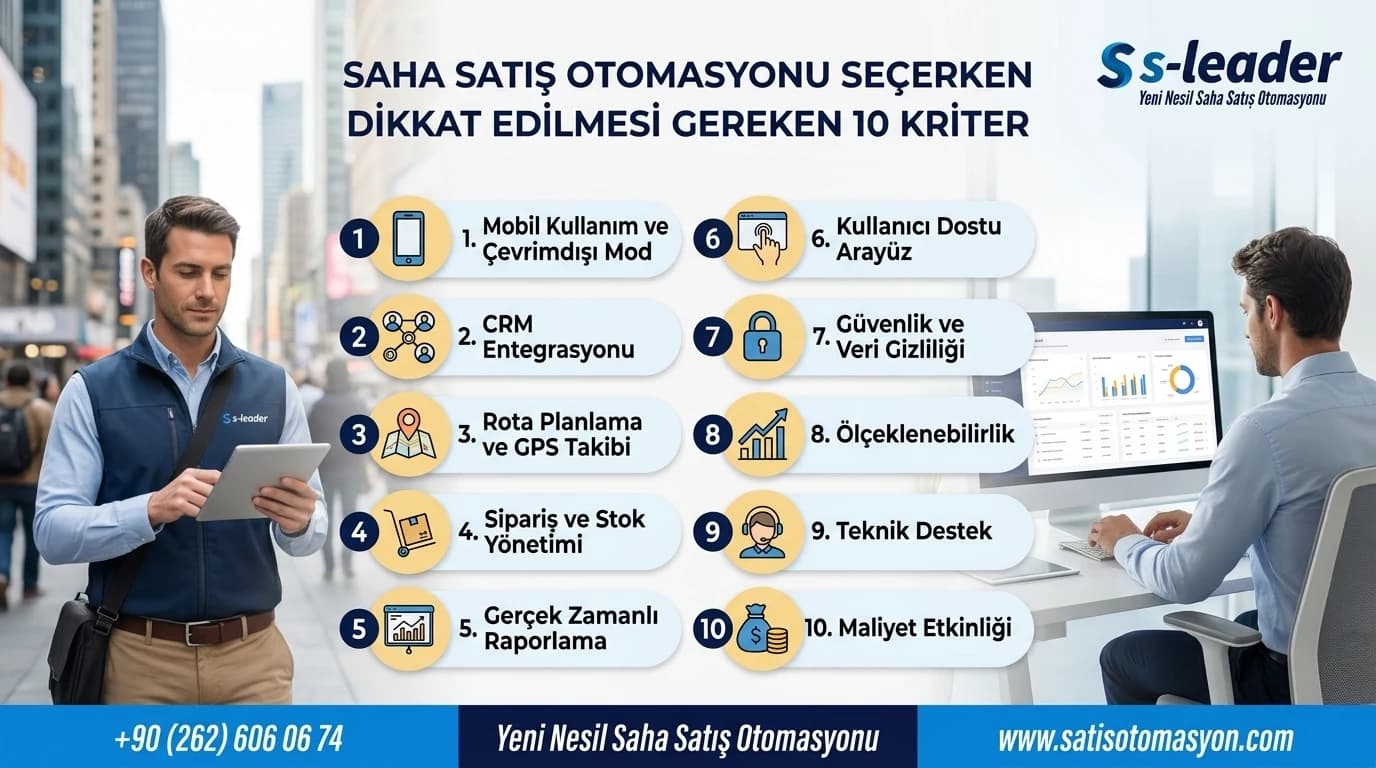
The single most decisive criterion when choosing field sales automation is whether the system integrates with your existing ERP in real time and in both directions. Where integration is weak, stock, customer account and pricing data go stale; representatives sell on wrong information and month-end reconciliation turns back into manual work. Below are the 10 criteria to put to every vendor before requesting a quote.
Quick summary: the evaluation checklist
- Is ERP integration real time and two-way?
- Does it work in areas with no internet connection?
- Does it support both van sales and pre-sales models?
- Can collections, cheques/notes and due dates be handled in the field?
- Are routes dynamically optimised, not just listed?
- Can invoices be issued on site, with barcode and mobile printer support?
- Are campaign and pricing rules applied at the moment of order entry?
- Can reports be customised to your own metrics?
- Which platforms does it run on, and where is it hosted?
- Does the system and the support scale as the team grows?
1. ERP integration: real time or batch transfer?
Many field sales applications on the market run standalone and push data to the ERP in a batch at the end of the day. In that model a representative can spend the whole day selling against stale stock figures. In systems integrated with Logo and Mikro ERP, such as S-Leader, approved orders and collections are posted to the ERP as records, while the field team has live access to customer balances, past orders and sales history.
Question to ask: Is the order written to the ERP the moment it is approved, or transferred at intervals? How often does stock and account data reach the mobile device?
2. Offline operation and automatic synchronisation
Your field team will not always have uninterrupted connectivity; a basement warehouse or a rural route can break the connection. If the system stops working at that point, the representative has to fall back on paper. S-Leader's offline capability means order and transaction entry continues in areas with no connection, and data synchronises automatically once the connection is restored.
Question to ask: Which operations remain available when the connection drops? Is synchronisation automatic, or does it need user intervention?
3. Are both van sales and pre-sales supported?
Van sales is the model where the product is delivered at the moment the order is taken, face to face. In pre-sales, representatives work to a route plan, the order is taken and delivery happens as a separate step. Most companies end up running both models over time. If a system supports only one, you will have to replace the software when your business model changes.
Question to ask: Can some representatives run van sales and others pre-sales within the same team? How does the system handle vehicle stock and the separate dispatch step?
4. Can collections and receivables be managed in the field?
In every sector that sells on credit terms, collection is as critical as the sale itself. The field team needs to see overdue collections, customer debt movements and cheque/note due dates while standing in front of the customer. In S-Leader, cheque and note due dates and amounts are calculated automatically so the right collection can be planned.
Question to ask: Can the representative record a collection in the field? Is cheque and note tracking with due-date calculation inside the system, or left to the ERP?
5. Route planning: a fixed list or dynamic optimisation?
Route planning means determining the points field personnel will visit day by day. Simple systems keep this as a fixed visit list. Dynamic route optimisation instead calculates the visit order against the best distance and time plan, shows where personnel are and how long they stay, and reports route compliance.
Question to ask: Is the route optimised automatically? Are planned routes compared against completed visits and reported?
6. On-site invoicing and hardware compatibility
Digitising order entry alone is not enough; the document has to be produced in the field too. This is where barcode reading and mobile printer support become decisive. S-Leader allows fast order and invoice processing by scanning barcodes with handheld terminals or with Android tablets and phones, and wireless invoice printing on site with Bluetooth printers in narrow or wide paper formats.
Question to ask: Which barcode readers and Bluetooth printer models are supported? Can our existing hardware be used?
7. Are campaign and pricing rules applied at order entry?
Where campaigns are announced to the field team afterwards by email or message, unapplied discounts and missed cross-selling are inevitable. In a properly designed system, current campaigns are shown to the field team in advance while the order is being taken, so sales-boosting offers can be presented to the customer on the spot.
Question to ask: Can customer-specific price lists and campaign rules be defined in the system? Can the representative apply a manual discount, and is there a limit?
8. Reporting: fixed screens or customisable reports?
Every company tracks different indicators. A system offering only fixed screens becomes inadequate quickly. What matters is being able to build reports for your own requirements with a report design tool and share them instantly, both graphically and numerically. A dashboard showing revenue, coverage, product availability (PSKU) and collection targets against actuals lets you intervene without waiting for the end of the day.
Question to ask: Can we design our own reports? Can the management dashboard be reached from outside the office?
9. Platform, hosting and technology stack
Which platforms the mobile application runs on relates directly to the devices your team uses. The S-Leader mobile app is developed natively and runs on Android, iOS, Windows Mobile and Windows Desktop, optimised to perform well on mid-range hardware. The BackOffice is developed entirely with Microsoft technology on .NET Core and supports Windows Server, Linux Server, MS SQL and MySQL. The system can be hosted on your own server or in the cloud.
Question to ask: Where is the data held? Is on-premise hosting available? Will the application run smoothly on our older Android devices?
10. Scalability, support and local fit
A team starting with five representatives today may grow to thirty within two years. The system has to absorb new regions, new users and new reporting requirements on the same infrastructure. Equally important is support: how quickly and through which channel you get a response determines the cost of every hour lost in the field. For companies operating in Türkiye, compatibility with local ERP systems and Turkish-language support often matter more than the feature list of an international brand.
Question to ask: How do licensing and infrastructure change as user numbers grow? During which hours and through which channel is support provided? How many reference customers of a similar size are there?
How should you run the evaluation?
Turn these 10 criteria into a table and put the same questions to every vendor you assess. Rather than comparing feature lists, give them a real scenario from your own field process: for example, ask them to demonstrate live "taking a credit-term order for a campaign product at a dealer with no connectivity, and recording a collection". Processes that appear on a feature list but do not flow smoothly in practice only surface this way.
If you would like to review together where your field sales process is losing time, and see S-Leader against your own scenario, you can request a free demo. Our Why sales automation page also covers everything from van sales to route optimisation.
Sıkça Sorulan Sorular
What is the most important criterion when choosing field sales automation?
The most important criterion is that the system integrates with your existing ERP in real time and in both directions. With batch-transfer systems, the field team risks selling on stale stock and pricing data during the day, and month-end reconciliation turns back into manual work.
Does field sales automation work without an internet connection?
Well-designed systems do. S-Leader's offline capability means the field team can continue entering orders and transactions in areas with no internet connection, and data synchronises automatically once the connection is restored. Be sure to ask about this in every system you evaluate.
What is the difference between van sales and pre-sales?
Van sales is the face-to-face model where the product is delivered at the moment the order is taken. Pre-sales is the method applied by field representatives working to a route plan, where the order is taken and delivery happens as a separate step. Choosing a system that supports both prevents you having to replace the software when your business model changes.
Is dynamic route optimisation the same as route planning?
No. Route planning means determining the points field personnel will visit day by day. Dynamic route optimisation is the module that shows personnel live, reports where they are and how long they stay, and calculates the visit order against the best distance and time plan.
Can field sales automation be hosted on our own server?
S-Leader can run either on your own server or in the cloud. The BackOffice is developed entirely with Microsoft technology on .NET Core and supports Windows Server, Linux Server, MS SQL and MySQL. For companies where data ownership or regulation requires data to stay in-house, this is an important criterion.
Is field sales automation useful if we do not use an ERP?
Yes. S-Leader integrates with Logo and Mikro ERP but can also be used standalone. Without an ERP you can still run order, collection, route and reporting processes through S-Leader, and enable the integration later when you move to an ERP.