
Field Visit Report: What to Capture on Every Call
In short: A field visit report is a short, structured record of each customer call: purpose, person met, observations, commitments and the next action. A good field visit report answers "what happened?" from the record linked to the customer and the order — not from chat threads.
The visit happens, an order is taken or not, and the rep moves on. When the office later asks "what did we promise that customer?", the answer is often in someone's memory, a paper scrap or a private message. If the knowledge stays with one person, the team loses it when the route changes.
Summary
- Every visit is logged with the same fields for purpose and outcome.
- Person met, shelf or stock notes, objections and next step are required fields.
- Photos and notes stay on the visit record, not in a separate gallery.
- The record is kept offline and sent when the signal returns.
- Personal data and access rights are set up front.
What is a field visit report?
A field visit report is how a rep documents a customer call with fixed fields. It is not a free-text diary: visit type (first call, routine, complaint, collection), name and role of the person met, shelf or stock observation, competitor note, objection, commitment and next-action date are standardised.
Route planning decides *where* and *in which order* to go; we cover that in field sales route planning. The field visit report records *what happened inside* the visit. Location and duration may come from a rep tracking system; the report complements them, it does not replace them.
Why it matters
Knowledge must not stay with one person
When a rep is on leave or the route is reassigned, undocumented promises mean the next person starts from zero. The report carries customer memory for the team.
Non-order value becomes visible
Not every visit ends in an order. Shelf fixes, returns, collection talks and complaint handling are still work. If they are not logged, performance collapses to revenue alone, while field sales team KPIs also need visit quality.
Managers can ask a precise question
When a manager asks why orders dropped, an objection code (price, stock, terms, competitor) gives a concrete answer. A free-form chat summary cannot be reported on.
Which fields belong on the report?
- Visit type and purpose: routine, first open, collection, complaint, merchandising.
- Person met: name and role.
- Observation: shelf share, missing SKU, price tag, competitor promo.
- Outcome: order taken / not taken, partial, deferred.
- Next step: who, what, by when.
- Evidence: photo or short note when needed.
For shelf-focused visits, see merchandising tracking. The report attaches that audit summary to the visit.
How to set up a field visit report
1. Keep fields few and mandatory
A form with fifteen blanks will not be filled. Five to seven required fields and two or three optional ones are enough for most teams. Required: visit type, person met, outcome and next step.
2. Prefer codes over free text
Define fixed codes for "no order": out of stock, price too high, payment terms, competitor promo, decision-maker absent. Codes report; long paragraphs do not.
3. Attach photos to the visit
A shelf or damage photo must not live in a separate gallery. It belongs on the same visit id, or it will be unfindable a month later.
4. Plan for offline use
A form must not die in a basement shop. Keep it on the device and send it when the signal returns; see offline field sales.
5. Clarify personal data early
Names and contact notes can be personal data. Write why each field is collected, who can see it and how long it is kept. For EU teams, start from the European Commission's data protection pages.
Common mistakes
- Leaving everything as free text: cannot be reported or searched.
- Detaching the form from the order screen: visit and order live in different worlds.
- Skipping the next step: "I'll drop by again" without a date is not an action.
- Demanding ten photos every visit: the team skips the form; tune the rule to risk.
- Treating GPS alone as enough: a pin does not explain the conversation.
Checklist
- Are visit type, person met, outcome and next step mandatory?
- Are "no order" reasons coded?
- Are photos attached to the visit record?
- Is the form stored on-device and sent later without signal?
- Are retention and access rules for personal data written down?
- Can managers filter visit outcomes in reports?
Visit records with S-Leader
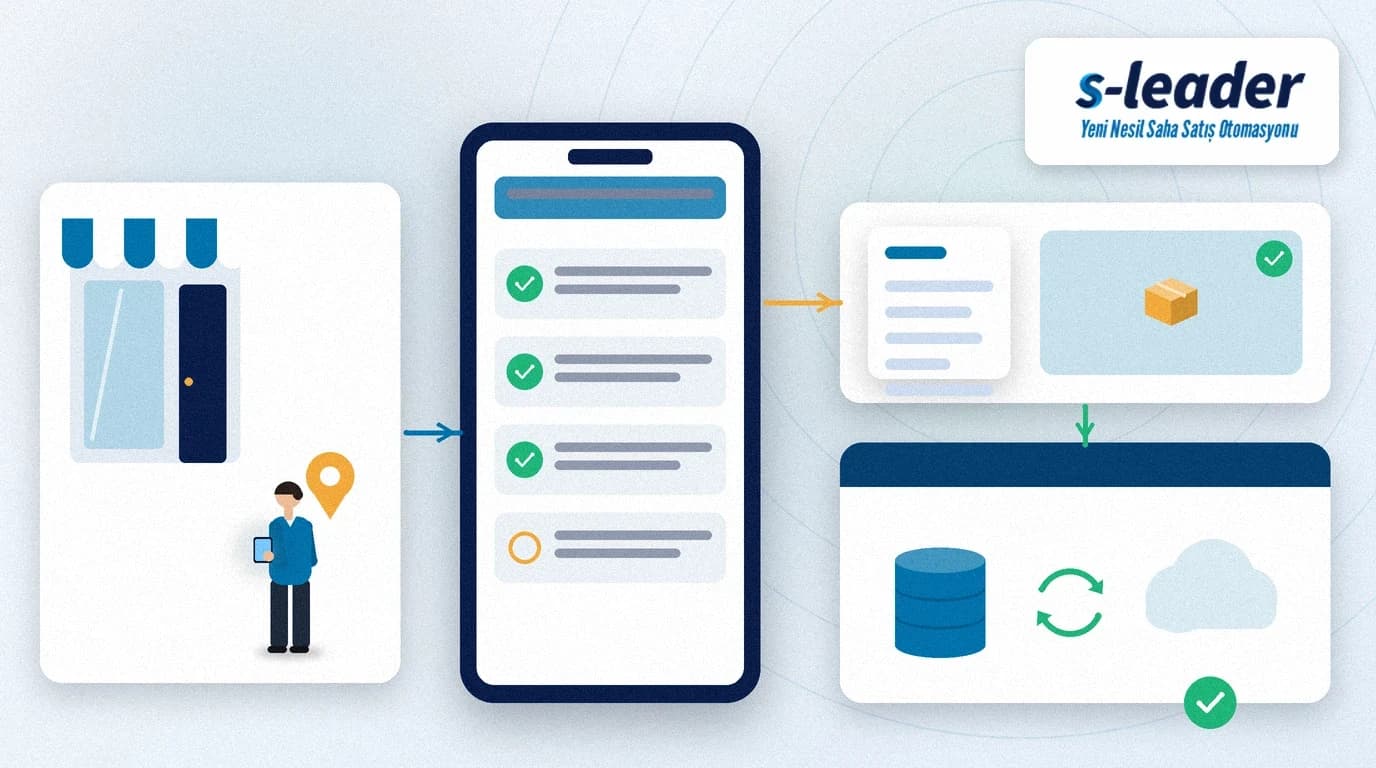
In the S-Leader field sales app, visits, orders and customer data share one mobile flow. Add a field visit report with fixed fields, codes and optional photos, and customer memory stays at head office when the route ends. How to steer the day against the quota is covered in sales quota progress.
At ÇAP Teknoloji we set up the field visit report for your teams with S-Leader, aligned with route and order flows. Get in touch for a demo or discovery call.
Sıkça Sorulan Sorular
Is a field visit report the same as a rep tracking system?
No. Rep tracking follows location, duration and route completion. The field visit report records the content of the visit (purpose, conversation, outcome, next step). They complement each other.
Do we need a photo on every visit?
No. Making photos mandatory for merchandising, damage, returns or dispute-prone visits is enough for most teams. Photos on every visit often cause the form to be skipped.
Does the visit report replace a CRM note?
It is a field-specific structured record. It supports free-text CRM notes but should run with order, stock and route in the same flow. See [field sales app vs CRM](/en/blog/field-sales-app-vs-crm).
How is a visit report filled without internet?
The mobile app stores the form on the device and sends it when the connection returns. Visit time and location, if captured, still belong to the moment of the call.