
Sales Quota Progress: Keep Field Reps on Target During the Day
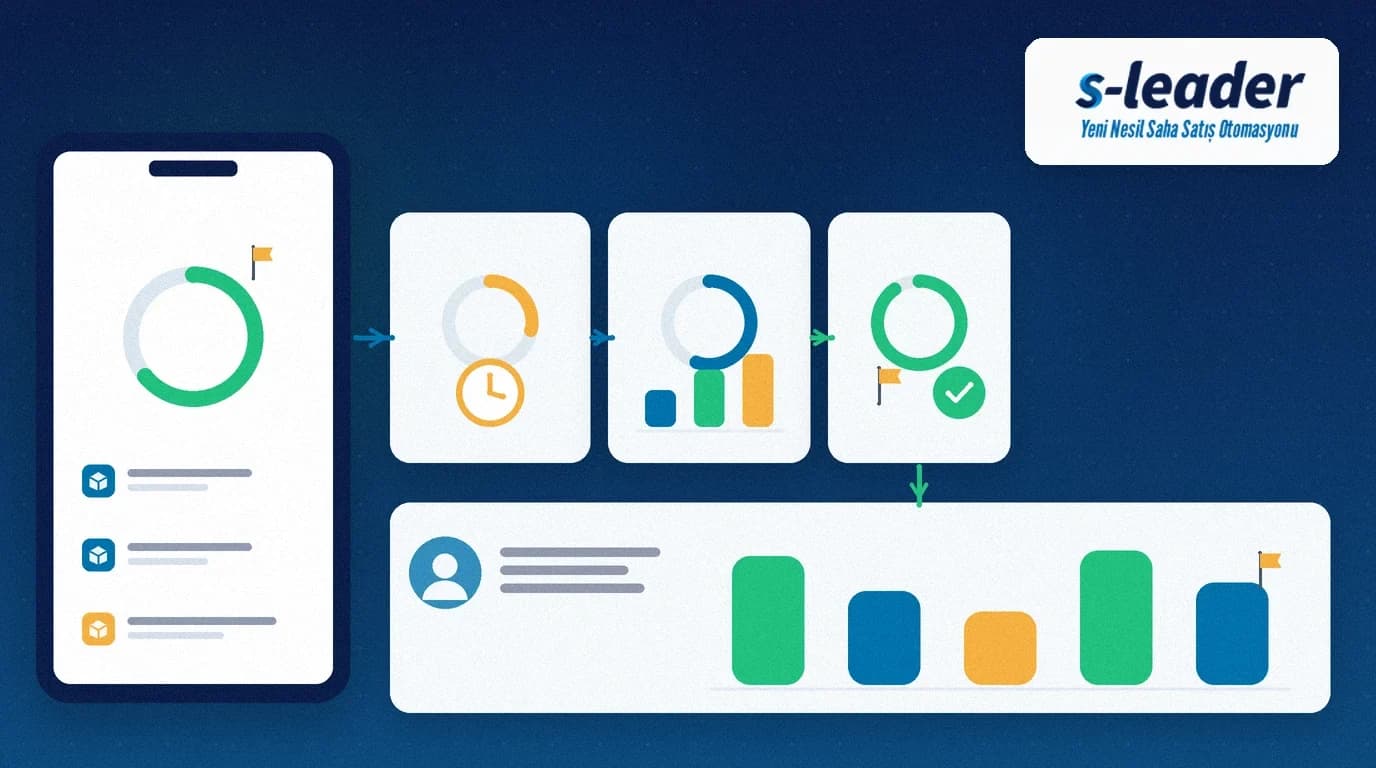
In short: Sales quota progress is a live view of how close a field rep is to the period quota, fed by orders (and, if needed, visits or collections). The point is not to discover a gap on the last day of the month, but to adjust the route and visit order before midday.
Many teams announce the target on day one and measure it on the last day. The twenty working days in between are dark: the rep feels "on track", the manager only sees the hole on Friday evening. If orders are already created on the phone, the current attainment percentage can sit on the same screen.
Summary
- The period quota is defined clearly per person and, if needed, by product or channel.
- Daily progress updates from order value (and visits/collections when relevant).
- On the road, the rep sees the remaining gap and can prioritise.
- Managers get an early signal instead of a month-end surprise.
- Quota progress is not the same as the KPI catalogue.
What is sales quota progress?
Sales quota progress continuously shows the gap between a defined quota (monthly revenue, order count or a product-group target) and actual sales, for the rep and for the manager. The definition must be explicit: currency, tax in/out, whether returns reduce the figure.
It differs from choosing metrics in field sales team KPIs. KPIs decide *what* you measure; sales quota progress shows *how close you are today* to the chosen quota. For a general goal-model reference, see Microsoft's Dynamics 365 Sales goals overview.
Why it must be visible during the day
Steer the route deliberately
A rep behind quota before lunch can prioritise higher-potential accounts after lunch. Without progress, the route runs on habit.
Intervene early
If a manager sees the gap mid-week, stock, pricing support or a joint visit can still help. A gap seen on the 28th rarely closes.
A fair conversation
Talk from shared actual-versus-quota numbers, not from "you worked hard / you didn't". Returns or collections that affect the target must be transparent on the same view.
Which breakdowns help?
- Person quota: period amount or count per rep.
- Product / brand quota: separate progress on strategic lines.
- Balance with visits: revenue alone can push low-margin easy orders; visit quality is supported by the field visit report.
- Collections: if cash flow is critical, track a collections target with field sales collection tracking.
How to set up sales quota progress
1. Define the quota in one sentence
"March revenue excluding VAT, returns deducted, only approved orders." A vague definition becomes an end-of-day argument.
2. Feed progress from the order record
Do not type attainment into a spreadsheet by hand. When a mobile order is approved (or lands in the ERP), progress updates. Clarify exceptions with your order approval workflow.
3. Show a simple ring or bar on the rep phone
Daily need: period target, actual, remaining, today's contribution. Five charts are unreadable in the field.
4. Set early-warning thresholds
For example, alert the manager if attainment is below forty percent at mid-period. Tune the threshold to your risk; no invented "industry average" is required.
5. Remove the month-end surprise
Decide when returns, cancellations and price corrections hit the quota. Otherwise the rep and the report disagree on the last day.
Common mistakes
- Opening the target only at month-end: no mid-period visibility.
- Mixing the KPI list with the quota: ten metrics are not one target.
- Hand-updated tables: late, disputed, untrusted.
- Watching revenue only: visit quality and collections go blind.
- Hiding the remaining gap from the rep: no basis to adjust the route.
Checklist
- Is the quota definition (period, currency, returns rule) written down?
- Does progress update automatically from mobile orders?
- Can the rep see target / actual / remaining on the phone?
- Is an early-warning threshold defined for managers?
- Is the timing of returns and cancellations clear?
- Is the quota view kept separate from the KPI report?
Quota visibility with S-Leader
In the S-Leader field sales app, orders and visits are created on the device and synced to head office. Bind the period quota to that flow and the rep sees the remaining gap during the day; the manager can help before month-end. To capture what happened inside each visit, see the field visit report.
At ÇAP Teknoloji we set up sales quota progress for your field teams with S-Leader, aligned with order and reporting flows. Get in touch for a demo or discovery call.
Sıkça Sorulan Sorular
Is sales quota progress the same as field sales KPIs?
No. KPIs choose which metrics to watch. Sales quota progress shows current attainment against a chosen quota (for example monthly revenue). Use both; one does not replace the other.
Should the target be daily or monthly?
The quota is usually a period target (month or quarter). The daily view shows today's contribution toward that period gap; a separate mini-quota every day is optional, not mandatory.
How do returns affect the quota?
Write the rule up front. Many teams use approved net revenue after returns. If the rule is vague, the rep and the report clash at month-end.
What if a rep is behind quota?
An early warning should trigger concrete help: stock, price authority, route priority or a manager ride-along. A warning only at month-end is usually too late.